HYROX Race Photos: How to Find Your Pictures
Find your HYROX race photos on Sportograf, redeem a prepaid photo package and troubleshoot missing pictures. Official results links included.
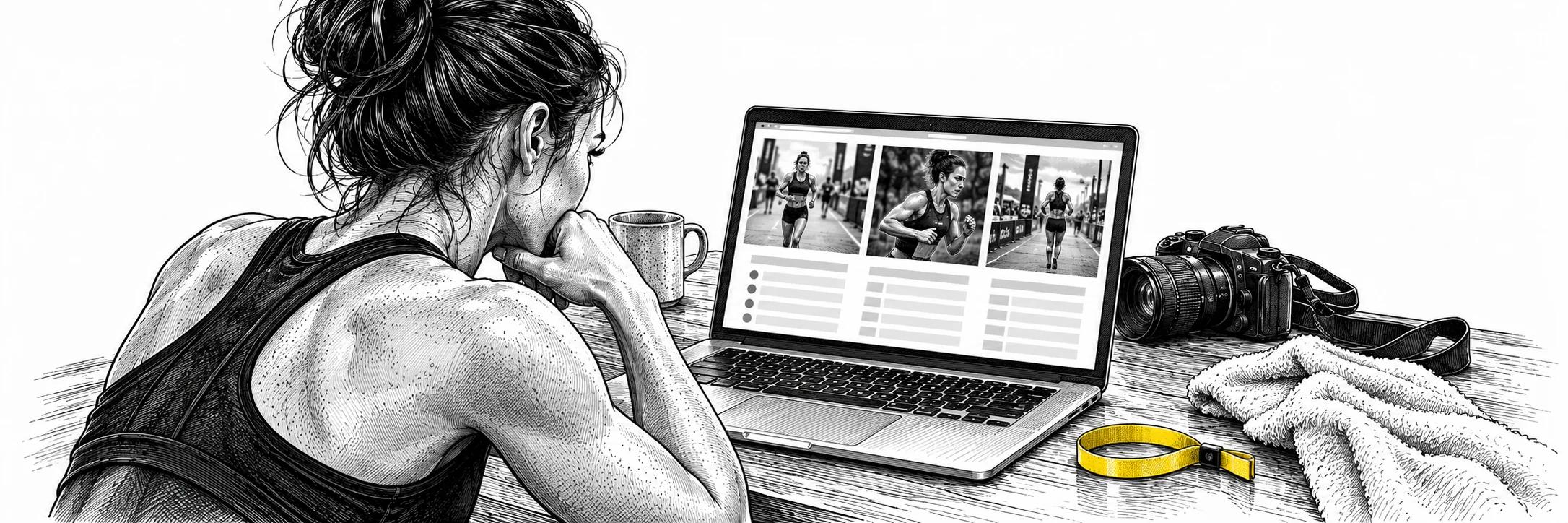
Find your HYROX® race photos on Sportograf. Start with the event you raced, then follow its photo-search instructions.
Find your race photos on Sportograf
Find your race photos
- Open Sportograf and find your HYROX® event. Check the city and edition before searching.
- Follow the search instructions for that event. Where selfie search is offered, read the consent and access requirements before uploading a photo.
- Check the available photo package and download instructions. If you bought photos with your race ticket, use the redemption steps below.
Release timing and access requirements vary by event. Check your event's photography information if its gallery is not available yet.
Already bought a photo package?
Your Sportograf Order-ID is on the separate photo-package ticket supplied by HYROX® or in its Google or Apple Wallet ticket. Sportograf does not send that code by email.
Once you have found your photos, choose the photo package and apply the code at the payment stage. Sportograf says prepaid codes apply to the Foto-Flat package, not individual photos. Follow its HYROX® photo-package instructions for the current redemption process.
Photos missing or code not working?
- Gallery unavailable: confirm you have the right city and edition, then check the event's release information.
- Search finds no photos: follow the search and access instructions on that event's gallery. Use Sportograf's help centre if you still need assistance.
- Code already used: sign in to Sportograf and check your download area.
- Code rejected for individual photos: select the eligible photo package instead. Check the provider's instructions before placing another order.
Looking for results instead?
Use the HYROX® results lookup guide to find your official finishing time, ranking and splits, or open the official results portal.
Frequently Asked Questions
Where can I find my HYROX® race photos?
Open Sportograf, find your HYROX® event and follow its photo-search instructions. Check the city and edition before searching.
Where is my prepaid photo code?
Look for the Sportograf Order-ID on your separate HYROX® photo-package ticket or its Google or Apple Wallet ticket. Sportograf does not send the code by email.
What if I already redeemed the photo code?
Sign in to Sportograf and check your download area. The provider's HYROX® photo-package instructions explain code redemption and package eligibility.
Repz Profile
Your Repz athlete profile aggregates your public HYROX® results and can be shared with training partners or doubles partners. If you are looking to find a training group or competition partner, a completed profile with verifiable race results is one of the strongest signals you can offer. Understanding your pacing data is also useful when evaluating a potential partner: the HYROX® beginners guide covers how new athletes can set realistic time expectations that make partner matching straightforward.
Results from individual events
Open the results section for the named city and check the displayed edition and division before comparing times.
Was this helpful?
Related Articles
Find a Hyrox Gym Near You: Partner Gym Directory
Use the current official HYROX Training Club finder, then assess the actual facility, timetable, coaching and access you need. Static partner counts and universal prices become stale.
how to sign up for hyroxHow to Sign Up for Hyrox: Registration Guide
Signing up for HYROX® takes 10 minutes once you know the steps. Here's how to create your account, find an event near you, pick your division, and register.
hyrox race dayHyrox Race Day Checklist: What to Bring
Complete HYROX® race day checklist covering essential gear, nutrition, mental prep, and pacing strategies. Get race-ready with our expert guide.
Know Where You Stand
Reading is good. Training with a plan built around your weaknesses is better. Get Repz and turn what you just read into your next session.